
Workfront Brand Identity
A complete profile of Workfront's visual system — colors, typography, components, and personality — extracted from https://business.adobe.com. Built for designers, agents, and AI tools.
Color Palette
Brand palette extracted from https://business.adobe.com.
Typography
Each font links to its Google Fonts page where available.
Not found on Google Fonts? Agent Instructions that you can follow if you have permission to use the fonts:

CharacterQuilt.com suggests this flow that can help:

1. Open the company's homepage in a browser with DevTools open.
2. In the Network tab, filter by "Font" (or by extension: woff2, woff, ttf, otf).
3. Hard-reload the page and click around (pricing, blog, careers) — some weights only load on specific routes.
4. For each captured font URL: right-click → Save As to download the file locally.
5. View the page's CSS (DevTools → Sources, or curl the stylesheet URLs) and copy out the matching @font-face declarations. Rewrite each `src: url(...)` to point to your local file path.

Programmatic alternative: load the URL with Playwright or Puppeteer, listen for `response` events whose `Content-Type` starts with `font/`, and write the body to disk. The CSS extraction step is the same.

Only do this if you have permission to use the brand assets — most proprietary fonts are licensed and may not be redistributable.
Visual Assets


UI Components
Live previews rendered using Workfront's actual button styles.
Brand Personality
Workfront Brand in the Wild
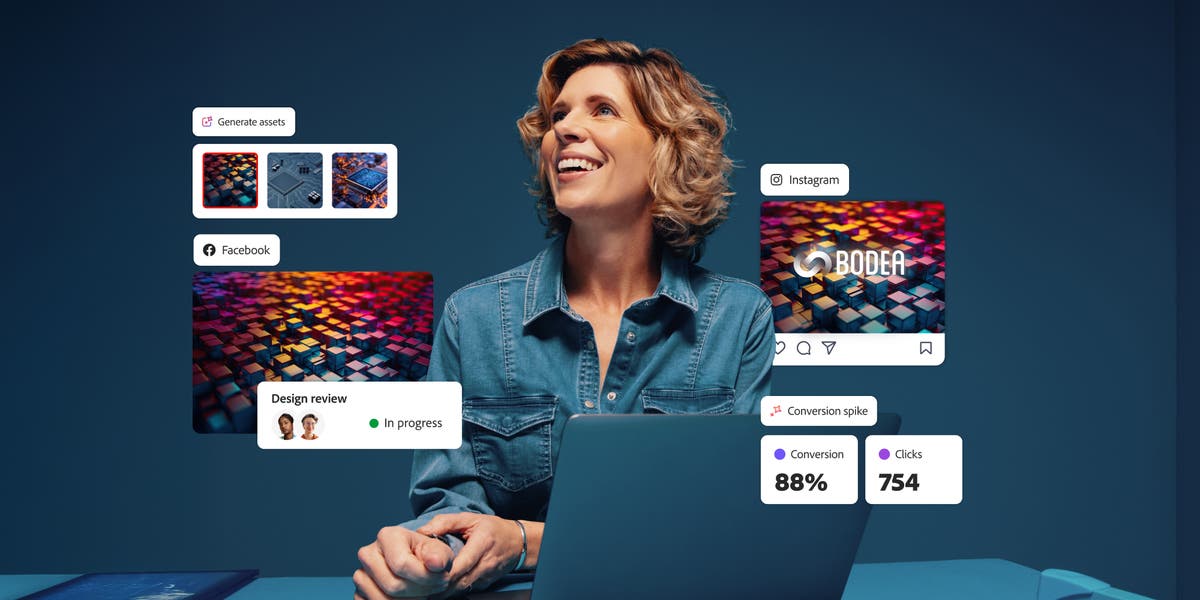
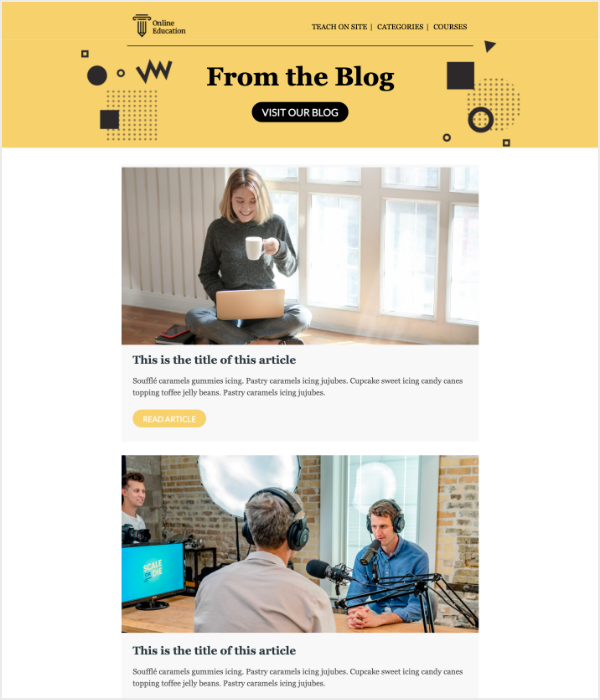
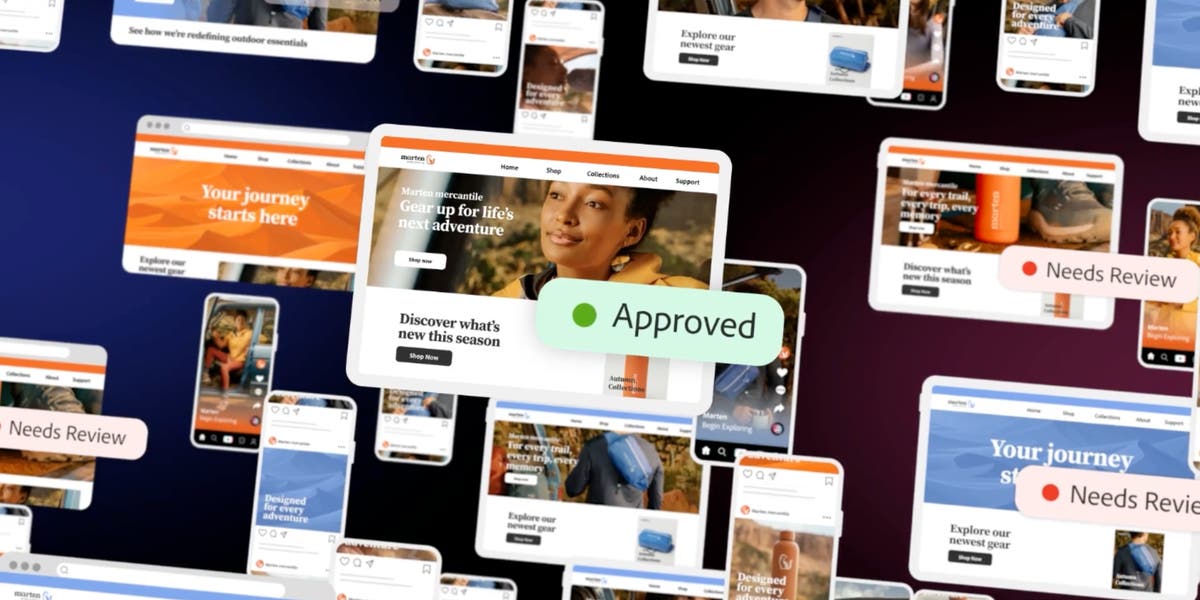
Real-world brand assets — ads, campaigns, and marketing materials.


Frequently Asked Questions
What is Workfront's primary brand color?
Workfront's primary brand color is #274DEA. It anchors the visual identity across their website, product UI, and marketing materials.
What accent color does Workfront use?
Workfront uses #3B63FB as an accent color, typically applied to interactive elements like links, buttons, and call-to-action emphasis.
What font does Workfront use?
Workfront uses Adobe Clean for body text and Trebuchet MS for headings. Fonts were detected on https://business.adobe.com as part of their live design system.
Does Workfront use a light or dark theme?
Workfront's primary site uses a light color scheme, with a background of #FFFFFF.
Where can I find Workfront's logo?
Workfront's logo is available directly on their site (https://business.adobe.com). The current logo URL is included in the machine-readable JSON profile linked above.
How was this brand profile generated?
This profile was extracted from https://business.adobe.com using the Firecrawl branding extraction API, which inspects the live page's CSS, fonts, color tokens, and component styles. It is not affiliated with or endorsed by Workfront.
Methodology
Brand data on this page was extracted from https://business.adobe.com on using the Firecrawl branding extraction API, which inspects each site's live CSS, font network requests, color tokens, and component styles. Brand-in-the-wild images were sourced via Google Image Search restricted to ad/webinar/report queries and link out to their original third-party publishers; we link to the source rather than re-hosting third-party content. This page is published by CharacterQuilt and is not affiliated with or endorsed by Workfront.
Machine-Readable Profile
Direct endpoints for agents, designers, and tooling. No login or auth required.
{
  "colorScheme": "light",
  "fonts": [
    {
      "family": "Adobe Clean",
      "role": "body"
    },
    {
      "family": "Trebuchet MS",
      "role": "heading"
    },
    {
      "family": "Arial",
      "role": "unknown"
    }
  ],
  "colors": {
    "primary": "#274DEA",
    "secondary": "#FF00A0",
    "accent": "#3B63FB",
    "background": "#FFFFFF",
    "textPrimary": "#292929",
    "link": "#3B63FB"
  },
  "typography": {
    "fontFamilies": {
      "primary": "Adobe Clean",
      "heading": "Trebuchet MS"
    },
    "fontStacks": {
      "heading": [
        "Adobe Clean",
        "adobe-clean",
        "Trebuchet MS",
        "sans-serif"
      ],
      "body": [
        "Adobe Clean",
        "adobe-clean",
        "Trebuchet MS",
        "sans-serif"
      ],
      "paragraph": [
        "Adobe Clean",
        "adobe-clean",
        "Trebuchet MS",
        "sans-serif"
      ]
    },
    "fontSizes": {
      "h1": "16px",
      "h2": "44px",
      "body": "14px"
    }
  },
  "spacing": {
    "baseUnit": 4,
    "borderRadius": "8px"
  },
  "components": {
    "input": {
      "background": "transparent",
      "textColor": "#292929",
      "borderColor": null,
      "borderRadius": "0px",
      "borderRadiusCorners": {
        "topLeft": "0px",
        "topRight": "0px",
        "bottomRight": "0px",
        "bottomLeft": "0px"
      },
      "shadow": "none"
    },
    "buttonPrimary": {
      "background": "#FFFFFF",
      "textColor": "#2C2C2C",
      "borderColor": "#FFFFFF",
      "borderRadius": "16px",
      "borderRadiusCorners": {
        "topLeft": "16px",
        "topRight": "16px",
        "bottomRight": "16px",
        "bottomLeft": "16px"
      },
      "shadow": "none"
    },
    "buttonSecondary": {
      "background": "#2C2C2C",
      "textColor": "#FFFFFF",
      "borderColor": "#FFFFFF",
      "borderRadius": "20px",
      "borderRadiusCorners": {
        "topLeft": "20px",
        "topRight": "20px",
        "bottomRight": "20px",
        "bottomLeft": "20px"
      },
      "shadow": "none"
    }
  },
  "images": {
    "logo": "https://business.adobe.com/assets/icons/gnav/adobe-for-business-web-lockup-rev2.svg",
    "favicon": "https://business.adobe.com/img/favicons/favicon.ico",
    "ogImage": "https://business.adobe.com/media_14f51d4684c05e97465248122131f08550ea52ed1.png?width=1200&format=pjpg&optimize=medium",
    "logoHref": "https://business.adobe.com/",
    "logoAlt": "Adobe for business"
  },
  "__llm_logo_reasoning": {
    "selectedIndex": 0,
    "reasoning": "Selected #0 because it is visible, located in the header, links to the homepage, and matches the brand 'Adobe for Business'.",
    "confidence": 0.95,
    "source": "llm"
  },
  "__llm_button_reasoning": {
    "primary": {
      "index": 0,
      "text": "Get started",
      "reasoning": "Button #0 with text 'Get started' is likely the primary CTA due to its action-oriented text and prominent placement. Although it has a white background, it stands out due to its clear call to action."
    },
    "secondary": {
      "index": 2,
      "text": "Watch on demand",
      "reasoning": "Button #9 with text 'Watch on demand' has a dark background, making it distinct from the primary button. It serves as a secondary action with a different purpose."
    },
    "confidence": 0.9
  },
  "personality": {
    "tone": "professional",
    "energy": "medium",
    "targetAudience": "enterprise businesses"
  },
  "designSystem": {
    "framework": "custom",
    "componentLibrary": ""
  },
  "confidence": {
    "buttons": 0.9,
    "colors": 0.9,
    "overall": 0.9
  },
  "__llm_metadata": {
    "logoSelection": {
      "llmCalled": true,
      "llmSucceeded": true,
      "finalSource": "llm",
      "rawLogoSelection": {
        "selectedLogoIndex": 0,
        "selectedLogoReasoning": "Selected #0 because it is visible, located in the header, links to the homepage, and matches the brand 'Adobe for Business'.",
        "confidence": 0.95
      }
    },
    "buttonClassification": {
      "llmCalled": true,
      "llmSucceeded": true
    }
  }
}